
Download 7CONIFIER – Windows 7 task bar customization, icon theme application, desktop personalization tool, customizable task bar, Windows 7 utility
Overview
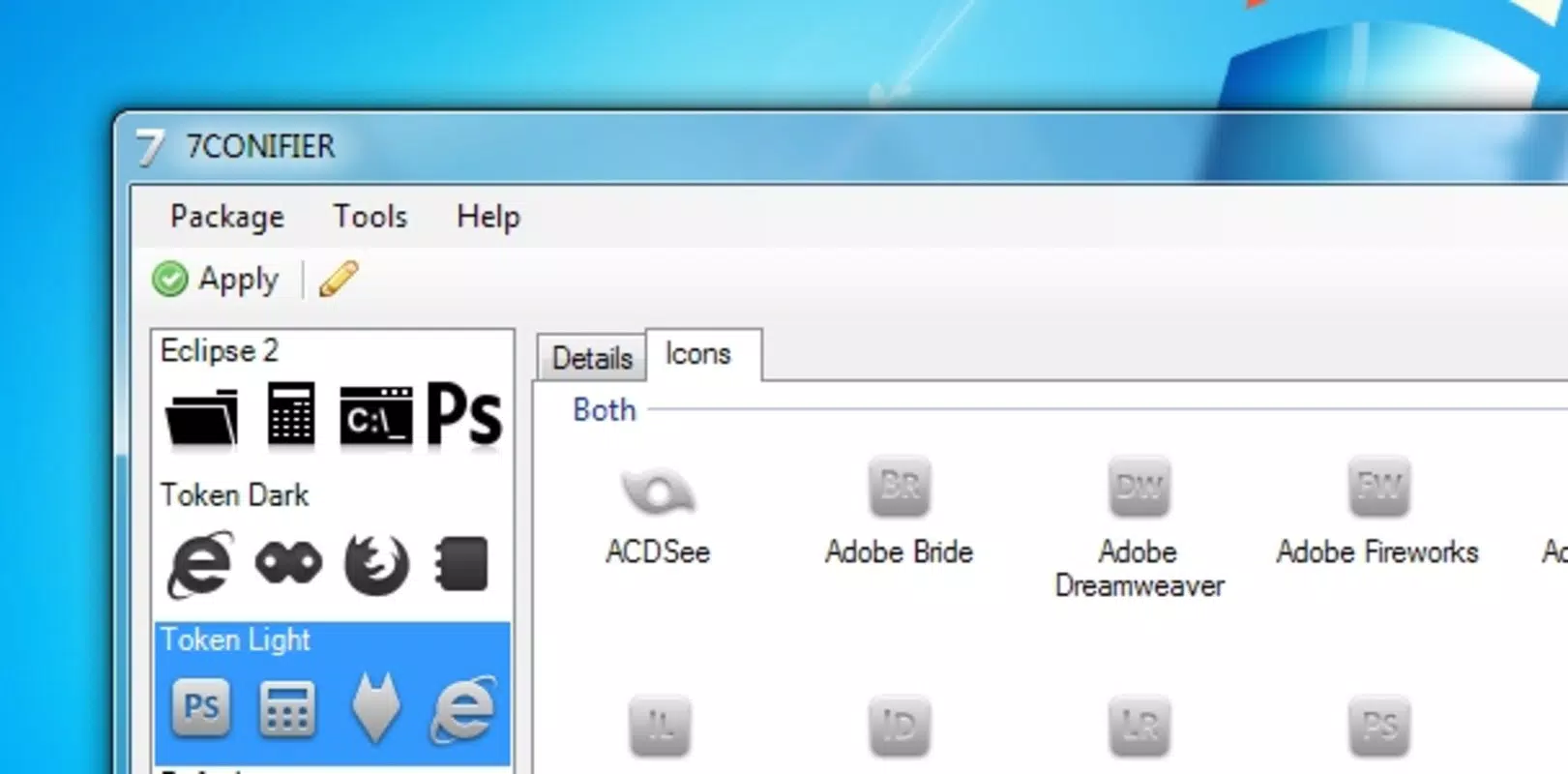
7CONIFIER is a utility application tailored for users of Windows 7 who seek to enhance the visual presentation of their task bar. Designed as a desktop personalization tool, it enables users to apply and manage custom icon themes with minimal effort. The app addresses the common desire for a more visually cohesive and aesthetically pleasing desktop environment by focusing specifically on task bar appearance. For individuals who value personal expression through their computing interface, 7CONIFIER offers a straightforward method to refresh their workspace without requiring advanced technical knowledge.
Target users include Windows 7 users who are interested in customization, particularly those who find the default task bar icons visually unappealing or inconsistent. The app is especially relevant for users who wish to maintain a consistent visual theme across their desktop, such as those using custom wallpapers, window themes, or other visual enhancements. While the developer did not provide additional background on the origin or development team, the app’s release date of October 28, 2010, places it within the peak era of Windows 7 adoption, suggesting it was created to meet a growing demand for user interface customization.
7CONIFIER fits into the broader ecosystem of Windows utilities by offering a focused, niche solution. It does not attempt to overhaul system performance or security but instead concentrates on a specific user experience improvement—visual consistency. Its role as a lightweight tool makes it suitable for older hardware, where resource-heavy applications may not be feasible. Real-world use cases include personalizing workstations for creative professionals, students, or hobbyists who want a unique yet functional desktop layout.
Key Features & Functionality
- Easy Theme Application: 7CONIFIER allows users to apply new icon themes with a single click. This streamlined process eliminates the need for manual registry edits or file replacements, making it accessible to users with limited technical experience. The one-click functionality ensures that users can experiment with different looks quickly and safely.
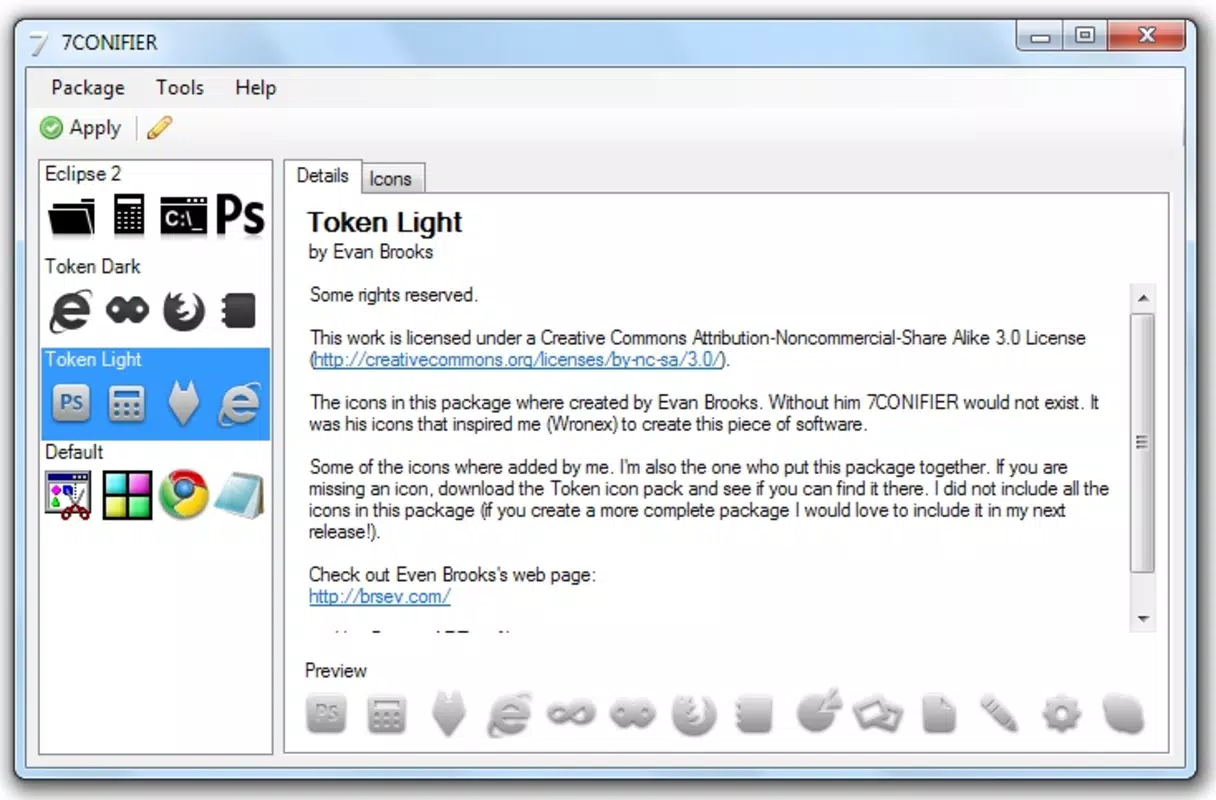
- Diverse Theme Library: The app provides access to a range of distinct icon themes, which can be downloaded directly or loaded from local sources. This variety supports different design preferences, from minimalist to bold and expressive, enabling users to match their task bar to their personal or professional aesthetic.
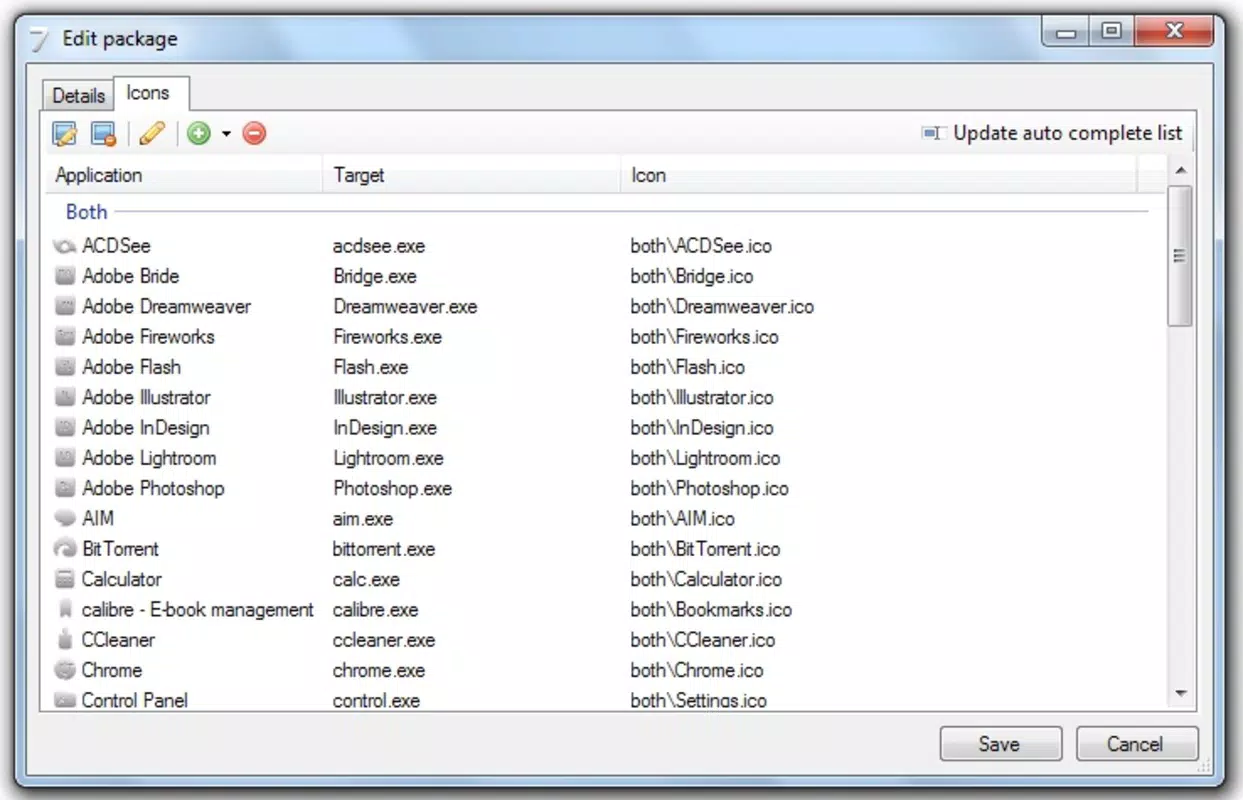
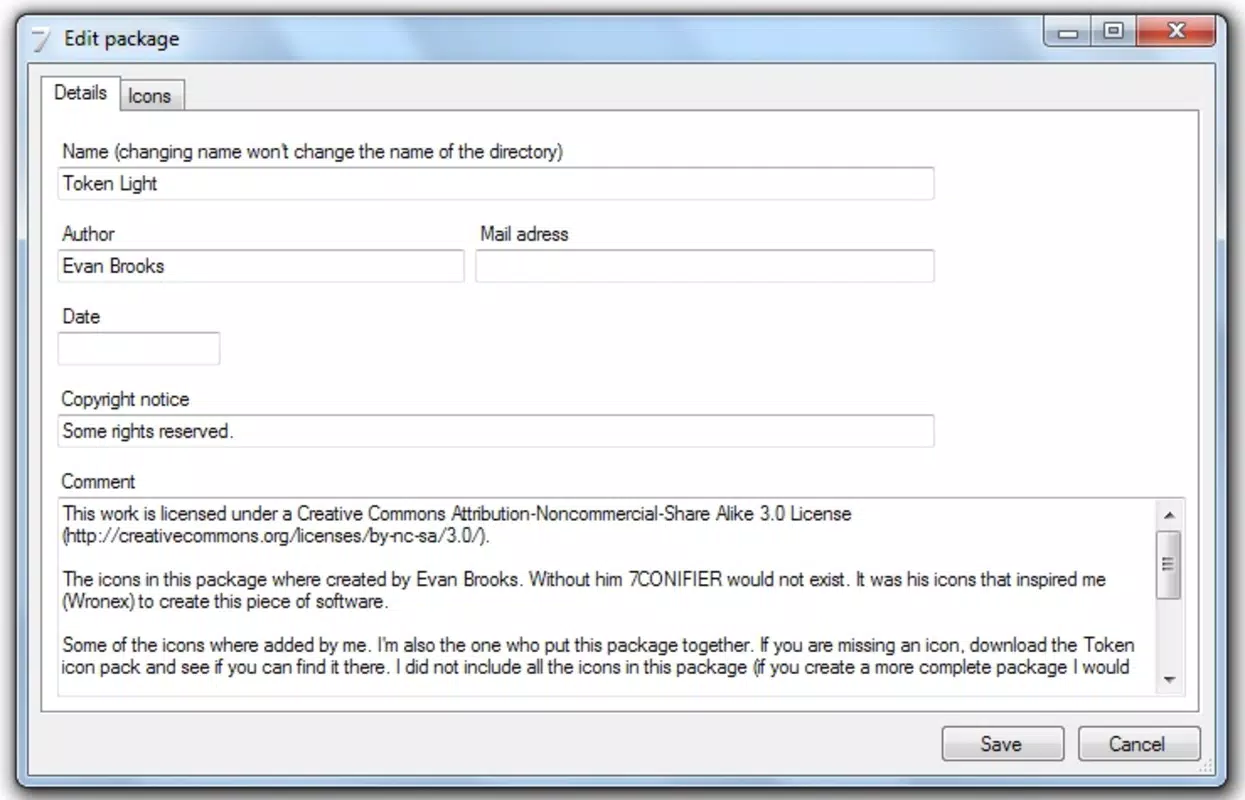
- Custom Theme Editing: Beyond theme application, 7CONIFIER supports editing existing themes. Users can modify individual icons or adjust color schemes to create unique variants. This feature empowers users to go beyond pre-made options and develop a truly personalized interface, fostering creativity and ownership over their desktop environment.
- Quick Reversion to Defaults: The ability to restore the original task bar icons is built into the app. A simple selection from the theme list returns the interface to its default state, offering peace of mind for users who may want to test changes without permanent commitment.
Each feature is designed with usability in mind. For example, a graphic designer might use the editing function to align task bar icons with a branding project, while a student could apply a theme that matches their study playlist or favorite anime. The app’s focus on simplicity ensures that even users unfamiliar with Windows customization can achieve professional-looking results.
Interface, UX & Performance
The user interface of 7CONIFIER is designed around simplicity and direct access to core functions. It likely features a clean layout with a theme selection panel, a preview window, and action buttons for applying, editing, or reverting themes. The visual style appears to prioritize clarity over ornamentation, ensuring that users can navigate the app without distraction.
Navigation is expected to follow a linear flow: browse themes → preview changes → apply or edit → confirm. This intuitive structure reduces the learning curve, making it suitable for users of all experience levels. Although the developer did not list formal performance metrics, the app’s file size of 2.5 MB suggests it is lightweight and optimized for minimal system impact.
Performance on different device categories is not specified. However, given its release in 2010 and compatibility with Windows 7, it is likely to run smoothly on systems with modest hardware specifications. Responsiveness is assumed to be consistent with typical utility applications of that era. Stability is implied by the app’s long-standing availability, though no formal crash reports or error logs were provided.
Platform Compatibility & Technical Requirements
7CONIFIER is designed exclusively for Windows 7, as confirmed by the platform specification. The software version is 1.0.0, indicating a stable initial release with no known updates or patches. The file size is 2.5 MB, which is compact and suitable for quick downloads.
The developer did not specify minimum OS requirements beyond the platform. Compatibility with 32-bit or 64-bit systems was not disclosed. Similarly, no details were provided regarding RAM, processor speed, or disk space needs. Users are advised to ensure their system meets the baseline requirements for Windows 7 to run the application successfully.
Pros and Cons
- Lightweight and fast, with a small file size of 2.5 MB
- One-click theme application simplifies the customization process
- Supports editing of existing icon themes for personalization
- Offers a built-in option to revert to default task bar icons
- Free to download and use, with no in-app purchases
- Platform is limited to Windows 7, which is no longer supported by Microsoft
- No official updates since 2010, raising potential compatibility concerns
- Developer did not provide detailed technical documentation or support
- Not available on modern operating systems such as Windows 10 or 11
- Interface design details were not disclosed
FAQ
Is 7CONIFIER safe to download and install?
Yes, 7CONIFIER is a free utility that does not contain malware or intrusive ads. It operates as a standalone application with no known security risks. However, users should download it from trusted sources to avoid tampered versions.
Can I use 7CONIFIER on Windows 10 or Windows 11?
7CONIFIER was designed specifically for Windows 7. While it may run on newer systems through compatibility modes, there is no official support or guarantee of functionality on Windows 10 or 11.
Does 7CONIFIER require administrator rights to run?
The developer did not specify whether elevated permissions are required. Based on its functionality, it likely operates without admin rights, but users should verify access during installation.
How do I restore the default task bar icons?
7CONIFIER includes a built-in option to revert to the original theme. This can be accessed directly from the theme list, allowing users to return to the default appearance with a single selection.
Are there any updates available for 7CONIFIER?
As of the release date in 2010, no official updates have been published. The app remains in its original version (1.0.0), and users should be aware that it may not function optimally on modern systems.
Final Thoughts
7CONIFIER remains a niche but effective tool for Windows 7 users seeking to personalize their task bar with minimal effort. Its focus on visual consistency, combined with one-click theme application and editing capabilities, makes it a valuable asset for users who value aesthetic control over their desktop. While its age and lack of updates present limitations, particularly for modern systems, it continues to serve its intended purpose within its designated environment.
For individuals still using Windows 7 for legacy applications or personal preference, 7CONIFIER offers a reliable, free solution to enhance interface appeal. It stands out in the utilities category for its simplicity and targeted functionality. If you're looking to refresh your task bar with custom icons and enjoy full creative control, this app delivers a straightforward and secure experience.
Download 7CONIFIER now


